
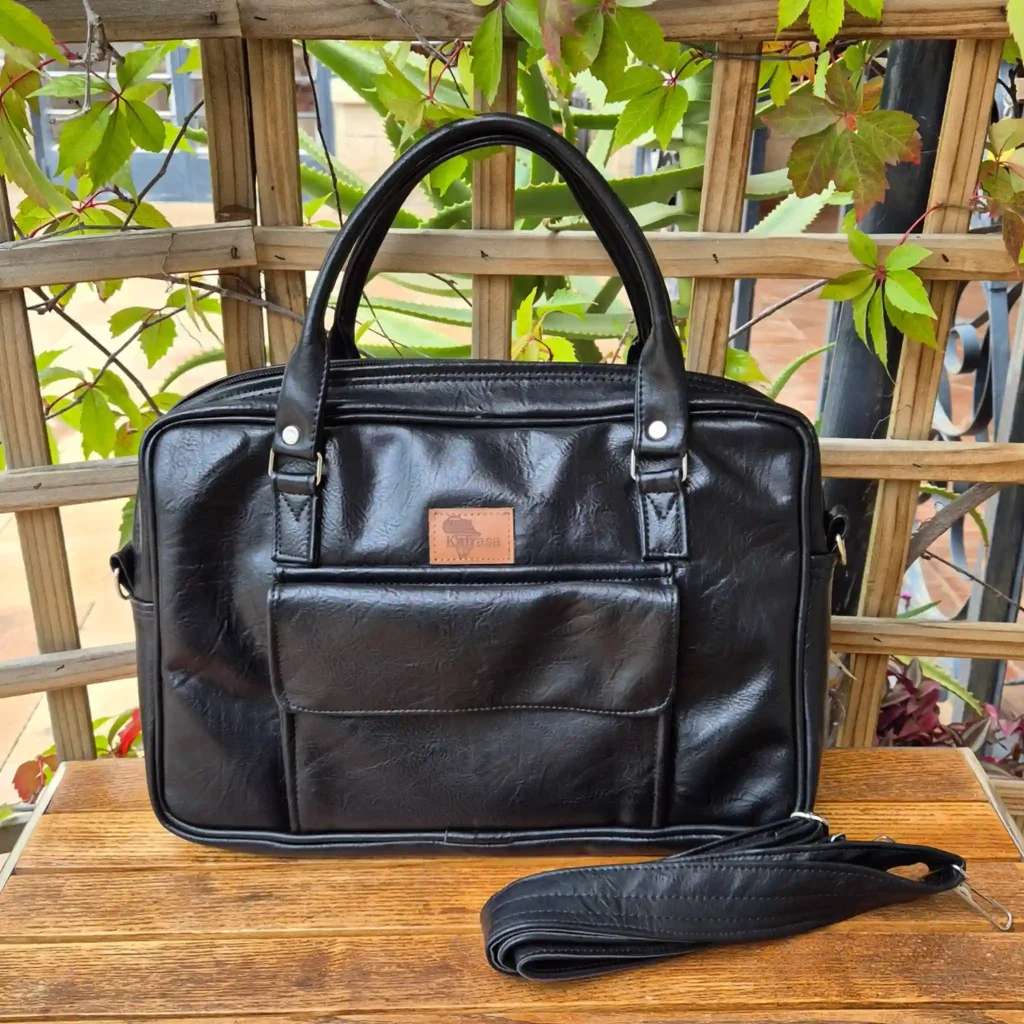
Buying a laptop bag seems straightforward until you try zipping up a new sleeve only to realise your device stretches the seams, or worse, slides around loosely inside an oversized compartment. Most people shop for laptop bags using advertised screen sizes alone—assuming any “14-inch bag” will perfectly fit every 14-inch laptop on the market. However, screen size measures only the diagonal glass area, completely ignoring bezel thickness, chassis depth, and overall physical dimensions. Selecting a bag with precise dimensions and proper shock absorption is essential. This practical guide breaks down how to measure your device correctly, evaluate internal protection features, and select the right fit across standard 13-, 14-, and 16-inch categories.
Screen Size vs. Physical Dimensions: A Summary
The Golden Rule of Laptop Sizing: Never buy a bag based strictly on screen diagonal (e.g., 13.3″, 15.6″, 16″). Always measure the physical Width, Depth, and Thickness of your closed laptop in centimetres or inches, then compare those measurements against the internal dimensions of the bag’s laptop sleeve.
A modern 14-inch slim Ultrabook can be significantly smaller than an older 14-inch business laptop with thick bezels. Similarly, a sleek 16-inch MacBook Pro has a noticeably smaller footprint than a thick 15.6-inch gaming laptop. Choosing a bag based on physical measurements ensures a snug fit that keeps your computer suspended and secure.
Laptop Size Category Reference Table
Below is a general reference comparison of standard laptop categories, typical physical dimensions, and recommended bag sizing:
| Advertised Size | Typical Laptop Types | Average Physical Dimensions (W x D x T) | Recommended Sleeve / Bag Inner Size | Primary Usage Scenario |
|---|---|---|---|---|
| 13-Inch to 13.6-Inch | MacBook Air, Dell XPS 13, iPad Pro with Keyboard | 30.4 cm × 21.5 cm × 1.5 cm (12.0″ × 8.5″ × 0.6″) | 32 cm × 23 cm × 2.5 cm | Highly mobile professionals, students, daily café working |
| 14-Inch | ThinkPad X1, HP EliteBook, MacBook Pro 14 | 31.5 cm × 22.5 cm × 1.8 cm (12.4″ × 8.8″ × 0.7″) | 33.5 cm × 24.5 cm × 3.0 cm | The ideal corporate balance of screen size and portability |
| 15.6-Inch to 16-Inch | MacBook Pro 16, Dell Precision, Lenovo Legion | 35.8 cm × 24.8 cm × 2.0 cm (14.1″ × 9.7″ × 0.8″) | 38 cm × 27 cm × 3.5 cm | Software developers, designers, video editors, heavy workstation setups |
3 Steps to Measure Your Laptop Accurately
Before browsing for a bag, take two minutes with a standard tape measure or ruler to record your device’s exact proportions:
-
Measure Width (Left to Right): Close your laptop flat. Place the ruler across the front edge, measuring from the far-left outer edge to the far-right edge.
-
Measure Depth (Front to Back): Measure from the front edge near the trackpad all the way to the rear hinge.
-
Measure Thickness (Height when Closed): Lay the laptop flat on a table and measure from the tabletop surface to the top of the closed display lid. Don’t forget to account for any rubber feet on the bottom!
Tip: When comparing your laptop’s dimensions to a bag’s specification sheet, ensure the bag’s internal compartment dimensions are at least 1 to 1.5 cm larger than your laptop on all sides. This clearance accommodates smooth zipping without leaving room for excessive internal movement.
An Anatomy of Proper Device Protection: What to Look For
Selecting a bag that merely fits your computer is only half the battle; it must also safeguard sensitive components against daily vibrations, drops, and weather conditions.

Perimeter and Base Padding
The most critical area of any laptop bag is the bottom base. When you set your bag down on a tiled floor, wooden desk, or concrete pavement, the weight of the computer drives the bottom edge directly into the surface. Look for high-density foam padding along the bottom edge, or a suspended bottom design where the inner laptop pocket ends 1.5 cm above the bag’s exterior base.
Soft, Scratch-Resistant Interior Lining
A protective sleeve should feature smooth, non-abrasive interior materials. Soft synthetic linings prevent fine dust and debris from scratching anodised aluminium lids or glossy laptop surfaces during transit.
Corner Defence and Edge Shields
Laptop corners are particularly vulnerable to impact damage, which can crack screen bezels or dent aluminium casings. Reinforced edge stitching and padded corner guards ensure the device remains shielded even during accidental side bumps on public transport.
Size Breakdown: 13-, 14-, and 16-Inch Bags in Detail
The 13-Inch Category: Compact & Highly Mobile
-
Target Devices: 13.3-inch MacBook Air, 13.4-inch Dell XPS, Microsoft Surface Laptop, 12.9-inch tablets with keyboards.
-
Best Uses: Remote workers, consultants, and students who value lightweight portability and frequent travel.
-
Fit Considerations: Because 13-inch devices are compact, avoid buying a universal 15-inch bag for them. In an oversized compartment, a small laptop will shift constantly while you walk, leading to unnecessary wear on the edges.
The 14-Inch Category: The Professional Standard
-
Target Devices: 14-inch MacBook Pro, Lenovo ThinkPad series, HP ProBook/EliteBook, Asus Zenbook 14.
-
Best Uses: Modern corporate offices, business meetings, and daily commuting.
-
Fit Considerations: 14-inch laptops are the most common corporate fleet standard in Kenya. A dedicated 14-inch laptop bag provides enough structured capacity for the computer, power supply, HDMI cables, and a standard A4 notebook without adding bulky volume.
The 16-Inch Category: Power Workstations & Creative Rigs
-
Target Devices: 16-inch MacBook Pro, 15.6-inch traditional corporate laptops, gaming laptops, 16-inch Dell XPS/Precision workstations.
-
Best Uses: Graphic designers, video editors, software engineers, architects, and professionals who require larger screen real estate.
-
Fit Considerations: A 16-inch laptop is significantly heavier (1.8 kg to 2.5 kg). Ensure the bag features a sturdy top carry handle and a broad, padded shoulder strap to distribute weight comfortably.
Organising Beyond the Laptop: Power Bricks and Accessories
A great laptop bag protects more than just the computer display; it organises the supporting tech ecosystem. Forcing bulky power bricks, wall adapters, and external hard drives directly into the main laptop sleeve creates pressure points against the display panel, increasing the risk of screen cracking under external force.

Look for a bag layout that incorporates:
-
Separated Accessory Pockets: Dedicated zippered drop pockets to keep power bricks, adapters, and mice away from the main computer compartment.
-
Document Dividers: Slim internal dividers to prevent A4 files, contracts, and notebooks from crumpling.
-
Quick-Access External Pockets: Front or rear zippered pockets for rapid access to keys, flash drives, office badges, or mobile phones.
Frequently Asked Questions
How much bigger should the internal laptop sleeve be compared to my device?
Ideal internal dimensions should be approximately 1.0 to 1.5 cm larger than your laptop’s width and depth. This provides enough clearance for smooth sliding in and out without allowing the laptop to move or bounce during transit
Can I request custom laptop bag dimensions for non-standard laptops?
Yes! If you carry a thick gaming rig, an oversized mobile workstation, or a laptop with an extended battery pack, off-the-shelf bags may not fit properly. Through Kafrasa’s custom ordering process, you can provide your exact millimetre measurements to have a bag tailored specifically to your device.
Are synthetic leather laptop bags water-resistant in heavy rain?
High-grade synthetic leather naturally repels water and prevents rainfall from soaking through the outer shell. However, water can seep through exposed zipper teeth during downpours. For reliable weather protection in Kenya’s rainy seasons, choose a laptop bag equipped with rain flaps over zipper tracks and lined interior compartments.
Protect Your Investment with the Right Fit
Your laptop holds critical work files, personal projects, and daily productivity. Protecting it requires more than a generic cover; it demands precise physical measurements, high-density edge foam, and dedicated accessory organisation. By measuring your laptop’s exact physical footprint rather than relying on screen sizes alone, you can select a bag that offers a snug fit, superior shock absorption, and effortless daily utility.
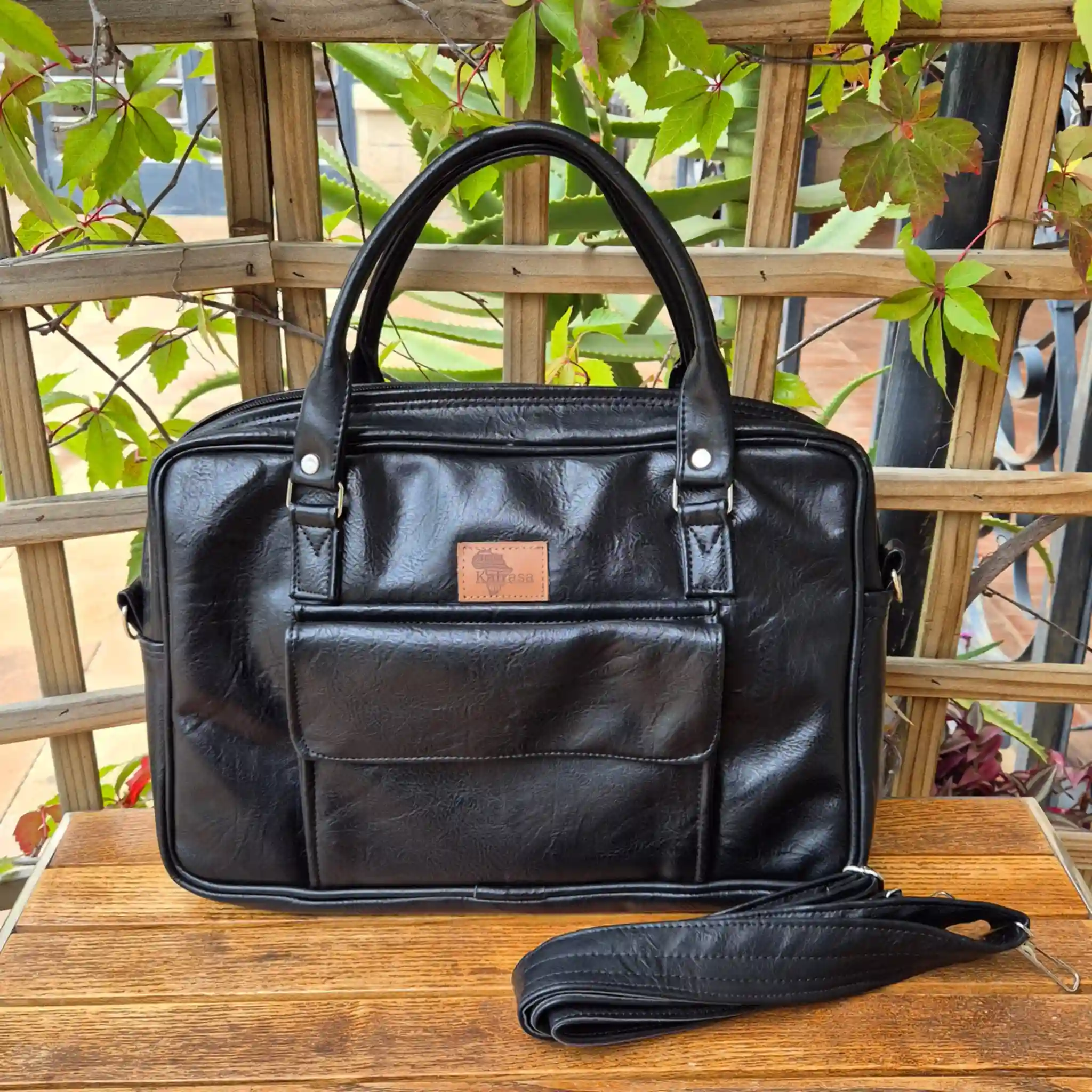
Need help selecting or building the perfect laptop bag? Explore Kafrasa’s range of corporate laptop bags or send your laptop dimensions directly to our Nairobi workshop via WhatsApp for personalised sizing guidance and custom designs.
Ready to choose yours? Every Kafrasa bag is handmade to order in Nairobi in quality synthetic leather, canvas and African print.
- Corporate Laptop Bag 2026 Edition — Laptop Bags
- Corporate Laptop Bag L&G Edition — Laptop Bags